



Follow these Steps
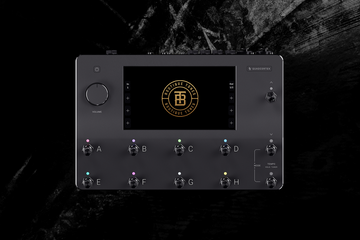
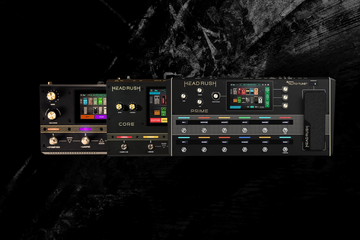
📌 Use a USB cable to connect your Headrush Core/Prime to your computer.
📌 Tap the menu icon located in the upper-left corner, then tap on “USB Transfer”. Your computer will now recognize the Headrush as an external drive.
📌 Open the Headrush drive on your computer.
📌 Drag and drop the files in their respective folder: “.ac” files into the "Amp Clones", ".rig" files into the "Rigs" Folder, ".wav" files into the Impulse Response folder
📌 Safely eject the Headrush from your Computer and then tap “Sync” on Headrush